
Dell 6GTPY original battery
₾180Type: Li-Polymer
Capacity: 8500 mAh / 97 Wh
Output: 11.4 Volt
Number of cells: 6 Cells
Dear friends! If your Dell laptop battery isn’t charging, before rushing to replace it, you should first check if your computer is correctly reading the power adapter’s ID. To do this, enter the BIOS, open the ‘Power’ section, and make sure the AC adapter type doesn’t say ‘Unknown’ (it should display the charger’s wattage). Also, keep in mind that if the system fails to recognize the charger’s wattage, it will often throttle the CPU speed down to 800 MHz. Good luck with your troubleshooting, and remember—we’re always here to help if you need us!
At our store, you can order absolutely any new, genuine-quality DELL battery featuring the Dell logo on the front and a 60-day warranty.
Hard-to-find Dell batteries are delivered to Tbilisi in approximately two weeks.
Showing all 6 results
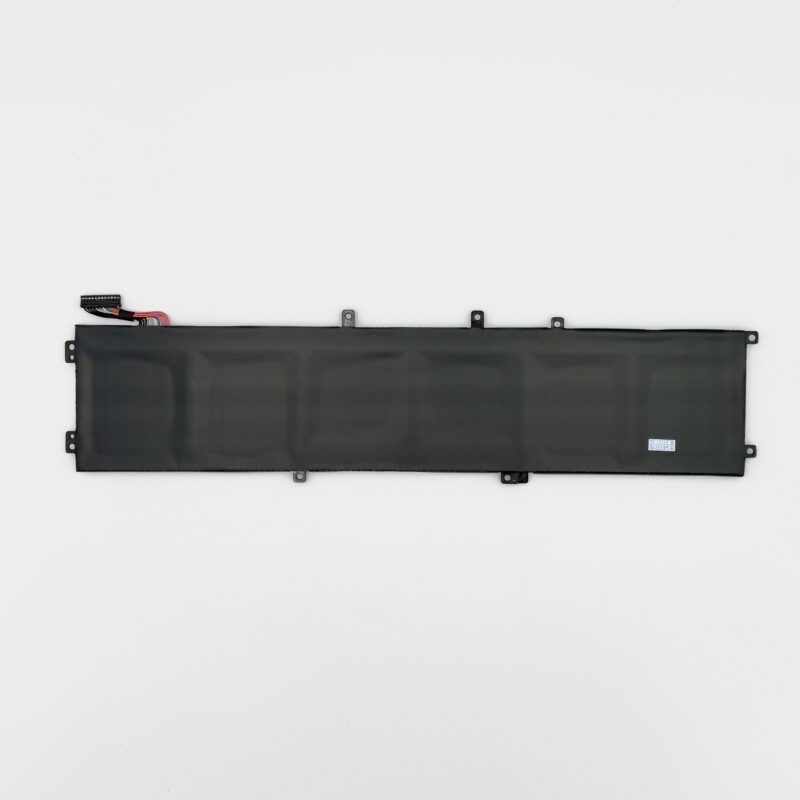
Type: Li-Polymer
Capacity: 8500 mAh / 97 Wh
Output: 11.4 Volt
Number of cells: 6 Cells
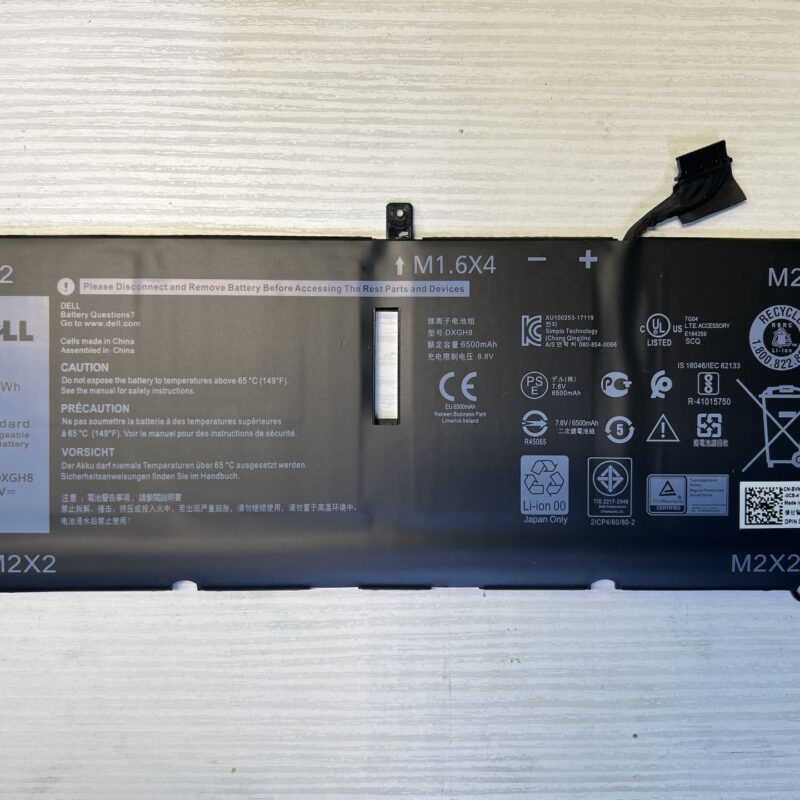
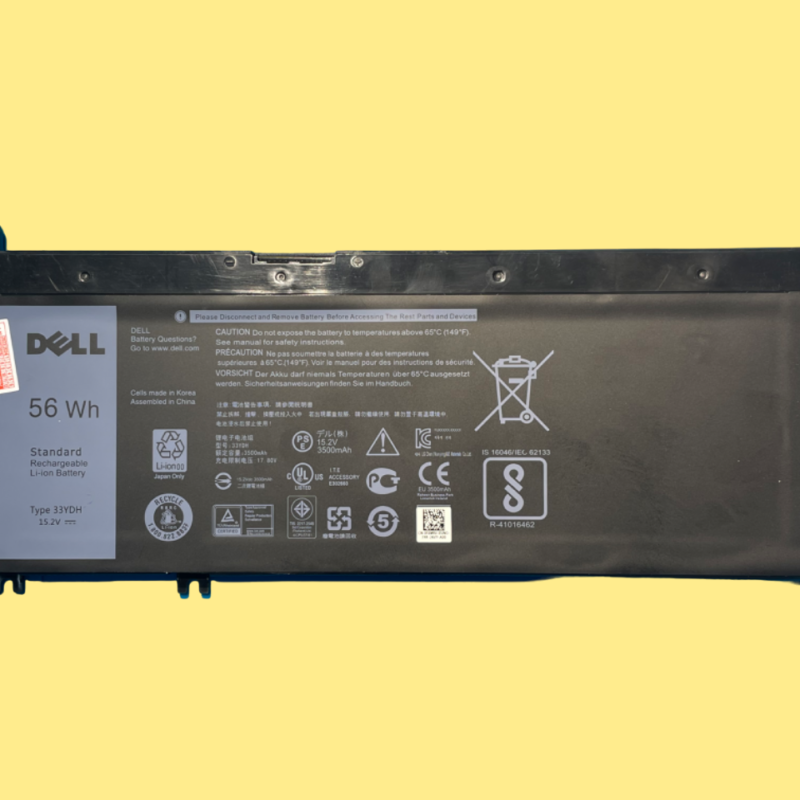
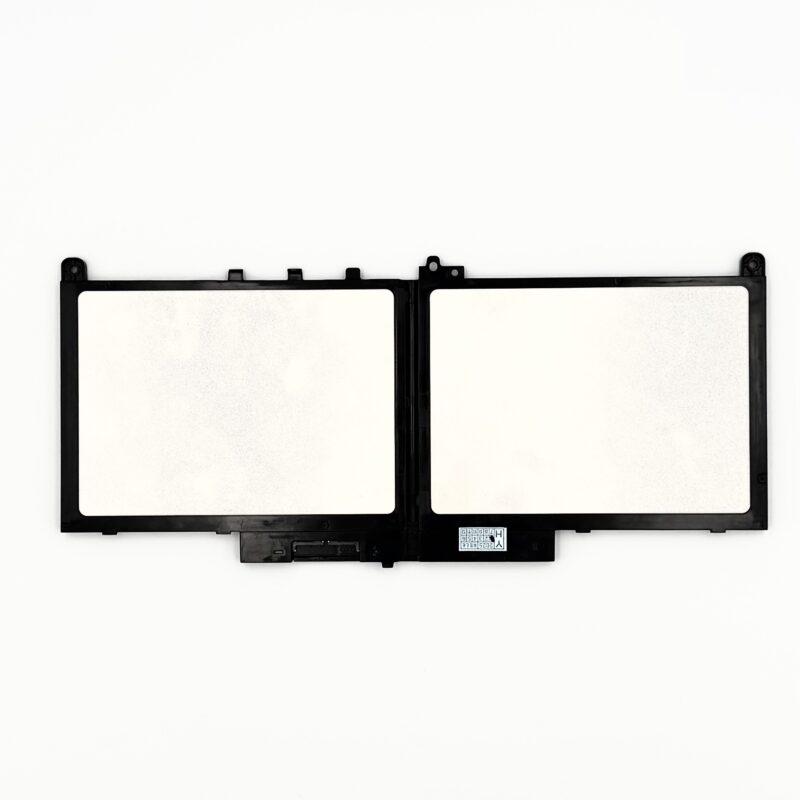
Battery Type: Li-Polymer
Voltage: 7.6V
Capacity: 55Wh / 7300mAh
Number of Cells: 4
Color: Black
Certifications: CE, UL, RoHS, ISO9001/9002, PCT
Cycle Life: Up to 600 recharge cycles
No products in the cart.